
Slow Lenovo Laptop? How SSD and RAM Upgrades Bring It Back to Life
By Lenovo Service Center Indore · · 6 min read
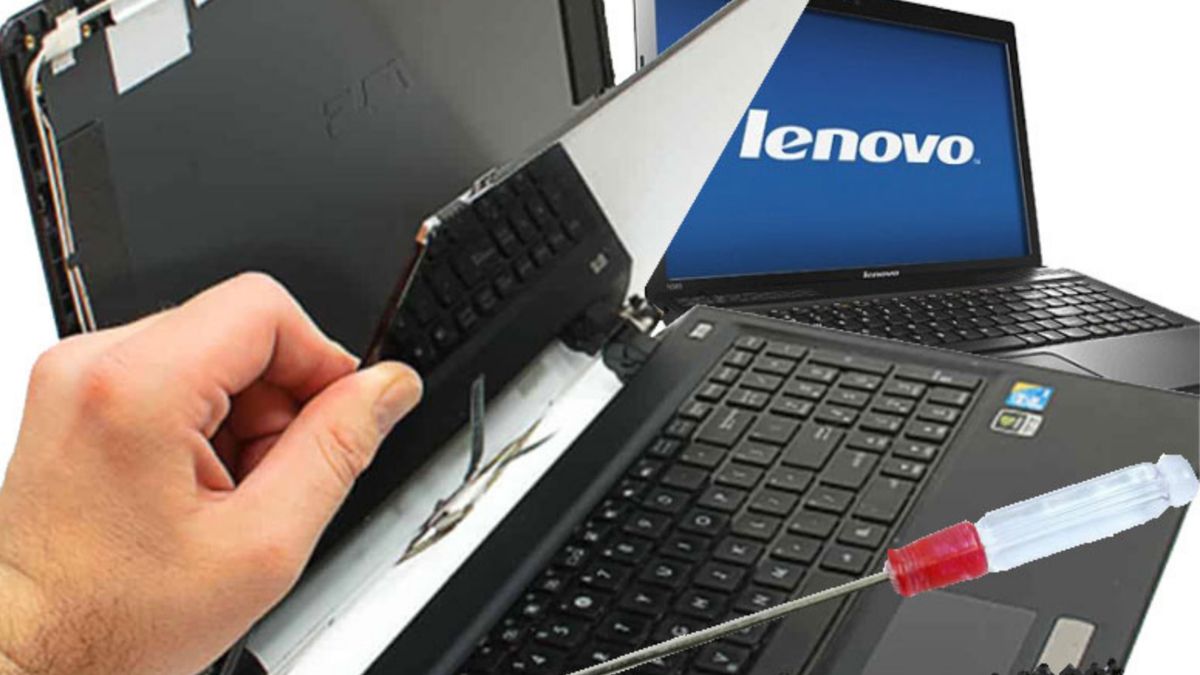
Many Lenovo laptops that feel too slow are not worn out. They are held back by one weak link, usually an old hard disk or too little memory. A targeted upgrade can transform the laptop for far less than the cost of a new one. The key is knowing which upgrade your model supports.
Find the real bottleneck
Press Ctrl + Shift + Esc to open Task Manager and watch the Performance tab while the laptop feels slow. If Disk sits near 100 percent, storage is the problem. If Memory is almost full, you need more RAM. If CPU stays high, look for a runaway program, malware or heat.
SSD: the biggest upgrade for older laptops
Moving from a mechanical hard disk to an SSD makes start-up and app loading dramatically quicker. Lenovo models use different formats, such as a 2.5-inch SATA drive or an M.2 SSD (SATA or NVMe), so the exact model decides what fits. Your existing Windows and files can be cloned across, or Windows can be installed fresh. Back up important files first either way.
RAM: how much do you need?
Check the type (DDR3, DDR4 or DDR5 in laptop size) and whether your model allows upgrades. Many slim IdeaPad and ThinkPad models have some or all of their memory soldered to the board, which cannot be expanded.
- 4 GB: very tight for modern Windows and browsers
- 8 GB: comfortable for office work, browsing and online classes
- 16 GB: better for heavy multitasking, design or programming
Free fixes to try
- Disable unnecessary startup apps in Task Manager.
- Uninstall programs you no longer use and clear temporary files.
- Keep at least 15 to 20 percent of storage free.
- Scan for malware and remove unknown browser extensions.
- Update Windows, drivers and BIOS through Lenovo Vantage.
- Have the fan and vents cleaned if the laptop also runs hot.
About Windows 10 and Windows 11
Windows 10 reached the end of its support in October 2025, which means it no longer gets regular free security updates. If your Lenovo supports Windows 11, upgrading is a good idea, and a technician can check compatibility, which depends on the processor and security features.
Lenovo upgrades in Indore
Send us your model number on WhatsApp, and we will tell you which SSD and RAM options it supports and what difference to expect. Call 9893530207 or visit our service center near Kalani Nagar Square.
Frequently asked questions
Can every Lenovo laptop be upgraded?
Most can take a storage upgrade, but RAM upgrades depend on the model. Slim laptops often have soldered memory, so the exact model must be checked first.
Is it better to upgrade or buy a new laptop?
If the processor and body are still healthy, an SSD and RAM upgrade is usually the cheaper way to get a big improvement. If the laptop is very old or unsupported, replacement may make more sense.