
Lenovo Laptop Overheating or Fan Too Loud? Causes and Cooling Service in Indore
By Lenovo Service Center Indore · · 5 min read
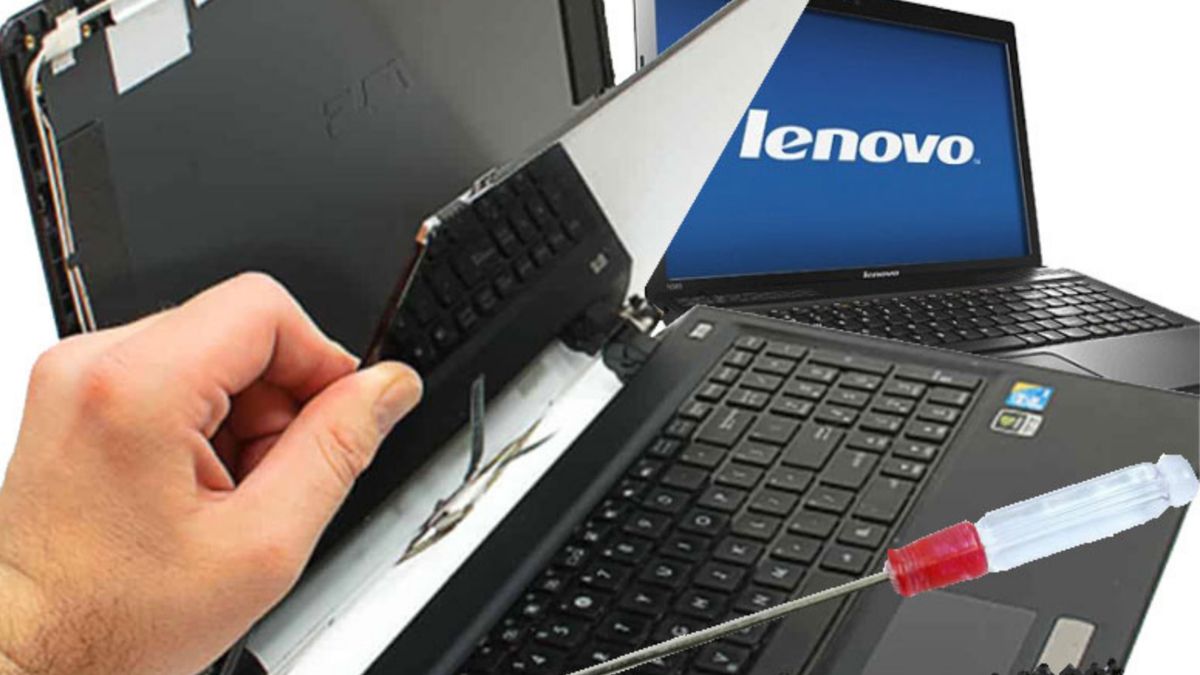
Indore summers push laptops hard. If your Lenovo is hot to touch, the fan roars during simple tasks or it shuts down in the middle of work, the cooling system is struggling. Most of the time the fix is straightforward, as long as you act before heat damages the battery or the board.
What is making it hot?
- Dust packed into the vents, fan blades and heatsink fins
- Dried-out thermal paste between the processor and the heatsink, common on laptops a few years old
- A worn fan that spins slowly or grinds
- Using the laptop on a bed, sofa or lap so the intake is blocked
- Background apps, many browser tabs or unwanted software keeping the processor at full load
- An ageing or swelling battery generating extra heat
Quick things to try
- Put the laptop on a hard flat surface, or use a cooling stand, so the air can flow under it.
- Open Task Manager (Ctrl + Shift + Esc) and look for apps using a high share of the CPU. Close or uninstall them.
- On many IdeaPad and Legion models, press Fn + Q to cycle through performance modes. A quieter or balanced mode runs cooler than the performance mode.
- Open Lenovo Vantage and check the thermal or power mode, and install pending driver and BIOS updates.
- Run a malware scan, since hidden programs can keep the processor busy.
- Keep the laptop away from direct sunlight and warm surfaces.
Test the fan
Many Lenovo laptops include hardware diagnostics, either through Lenovo Vantage or a startup menu, that can test the fan. If the fan does not start under load, or makes scraping sounds, it needs cleaning or replacement.
What a proper cooling service includes
- Opening the laptop and cleaning dust from the fan, vents and heatsink
- Checking the fan bearing and replacing the fan if it is weak or noisy
- Removing old thermal paste and applying fresh paste to the processor and, where fitted, the graphics chip
- Checking the battery and charging area for unusual heat
- Testing the laptop under load to confirm that the temperatures stay stable
What not to do
- Do not blast compressed air into a fan that is free to spin. It can overspin and damage the bearing.
- Do not keep working on a laptop that keeps shutting itself down.
- Do not pry open the back panel without experience, because thin clips and ribbon cables break easily.
Keep it cool
In a dusty, hot city, a yearly cleaning is a sensible habit. Gaming laptops such as the Legion range may benefit from cleaning more often. Use the laptop on a hard surface, keep the vents clear and close heavy apps when you are done with them.
Overheating repair in Indore
Call 9893530207 or WhatsApp your Lenovo model with a short note about when the heating happens. We will check the fan, heatsink and thermal paste, and explain what needs to be done.
Frequently asked questions
How often should a Lenovo laptop be cleaned inside?
Roughly once a year in dusty or hot conditions. If the fan gets louder or the laptop slows down sooner, get it checked earlier.
Is it normal for a gaming laptop to get hot?
Some warmth under heavy load is normal, but very high temperatures, sudden shutdowns or loud fan noise during light tasks point to a cooling problem.