
Lenovo Laptop Data Recovery at Our Service Center in Indore
By Lenovo Service Center Indore · · 6 min read
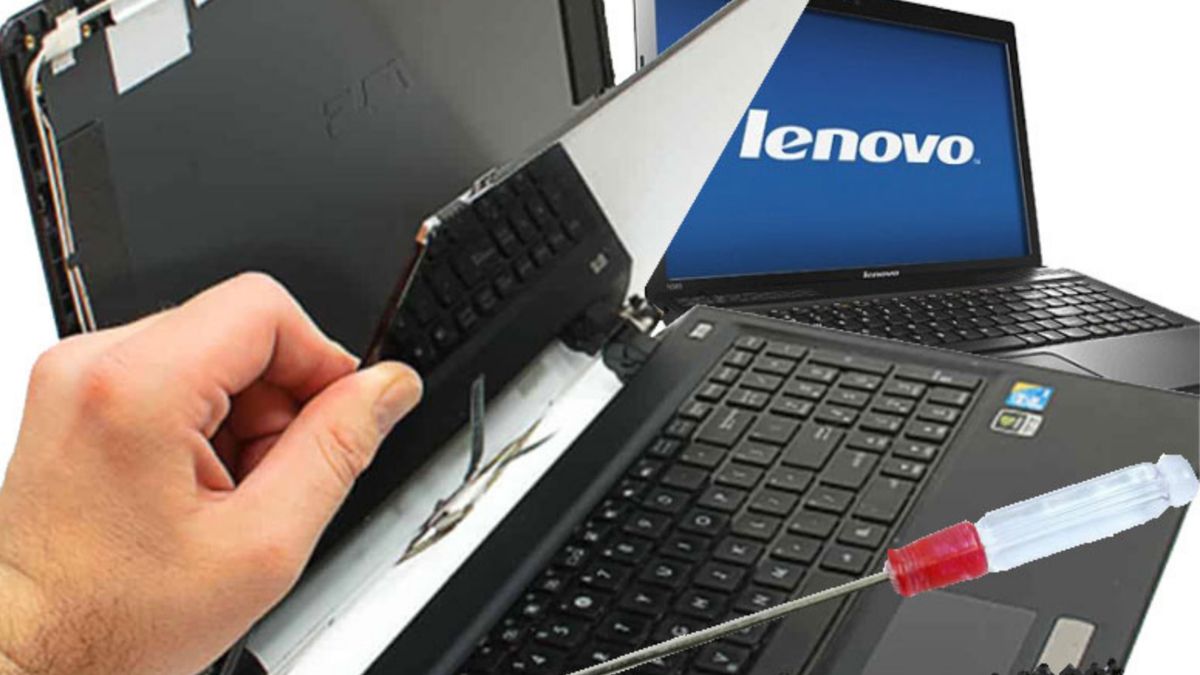
A dead laptop is stressful. Lost photos, office files and project work feel irreplaceable, because they often are. Data recovery is a careful, step-by-step job, and what you do in the first hour matters more than you think. Here is how data recovery works at our Lenovo service center in Indore.
The first rule: stop using the drive
If the laptop will not boot but the drive might be alive, stop trying to force it. Repeated boot attempts, reinstalling Windows or running disk repair tools on a failing drive can overwrite or damage the data further. If you hear clicking from a hard disk, switch the laptop off and do not switch it on again until a technician looks at it.
How we attempt recovery
- We remove the drive and connect it to a separate workstation, so nothing writes to it.
- We image the drive sector by sector, working from the copy, never the original.
- If the drive is logically damaged (corrupt partition, deleted files), recovery software on the image usually works.
- If the drive is physically failing, we stabilize what we can and recover readable data first, starting with your most important files.
- Recovered files go to a fresh external drive or pen drive that you provide or we arrange.
What can and cannot be recovered
- Accidentally deleted files: usually recoverable if you stopped using the drive quickly.
- Corrupt Windows or unbootable system: data is often fully intact underneath.
- Failing hard disks: partial to full recovery depending on how far the damage has gone.
- Dead SSDs: harder than hard disks, but controller-level issues are sometimes bypassable.
- Encrypted drives (BitLocker): recovery needs the recovery key, so keep it somewhere safe.
What it costs
Data recovery pricing depends on the drive type and the damage. Logical recovery from a readable drive is the simplest case. Physical damage takes bench time and specialized handling. We diagnose the drive and quote before any recovery work begins, so you decide with full information.
Visit our Lenovo service center in Indore
If your Lenovo laptop has died or a drive is failing, switch it off and bring it to 27 Anjani Nagar, Kalani Nagar Square, Sukhdev Nagar Road, Indore. Call 9893530207 first so we can guide you on what not to do before you arrive.
Frequently asked questions
My Lenovo laptop will not turn on. Is my data gone?
Probably not. In most dead-laptop cases the drive is fine and the fault is elsewhere. We read the drive separately and recover your files.
My hard disk is making clicking sounds. What should I do?
Switch the laptop off immediately and bring it in. Clicking means physical damage, and every extra minute of running can destroy more data.
Can you recover data from a dead SSD?
Sometimes. SSD recovery is harder than hard disk recovery, but controller and firmware-level issues can often be worked around. We assess and tell you honestly what is possible.